
 Login
LoginBuilt for Fast, Clear, Human
Communication at Scale
Whether you’re managing a global team or just tired of repeating yourself 50 times, Emovid helps you communicate with more clarity, efficiency, and connection.
 Video Merge
 Company Library
 Fast, Easy Video Creation
 AI-Powered Productivity
 Security & Control
 Seamless Communication & Sharing
Introducing
A new standard for trust in an AI world
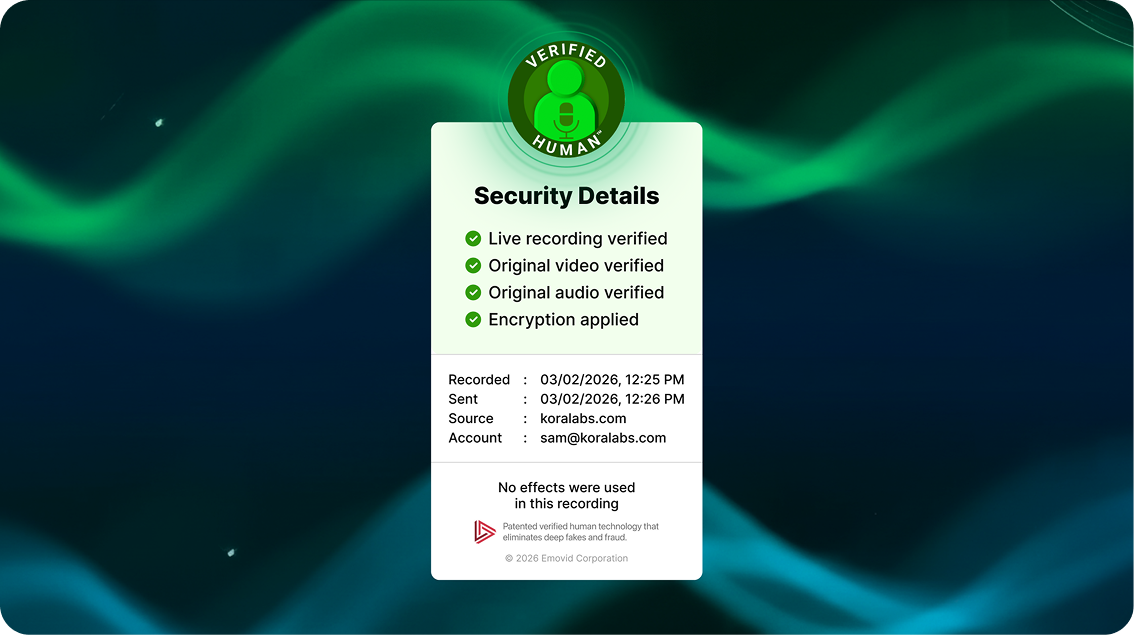
Verified Human Communication™
It’s Emovid’s patented system that cryptographically validates the origin, integrity, and humanity of every message sent through the platform. Each Emovid carries a visible seal — your recipients see proof, not just a promise, that the message came from you: unaltered, unmanipulated, and undeniably real.

Verified Identity

Content Provenance

Enterprise-grade Security
Fast, Easy Video Creation
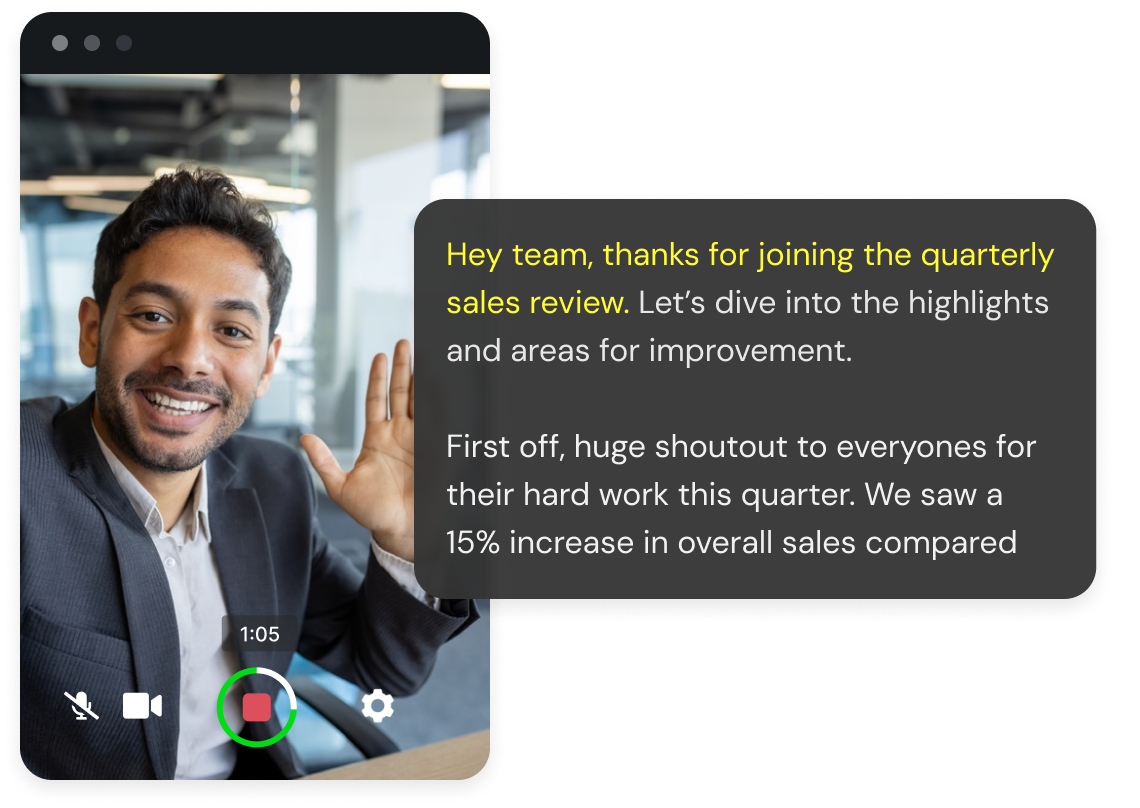
Look polished and sound great, without any setup.
- 3-click recording (browser, mobile & tablet)
- Built-in teleprompter
- AI speaking suggestions
- Facial smoothing & background blur
- Custom & animated backgrounds
- Screen sharing
- Branded Emovids (for Enterprise users)
AI-Powered Productivity
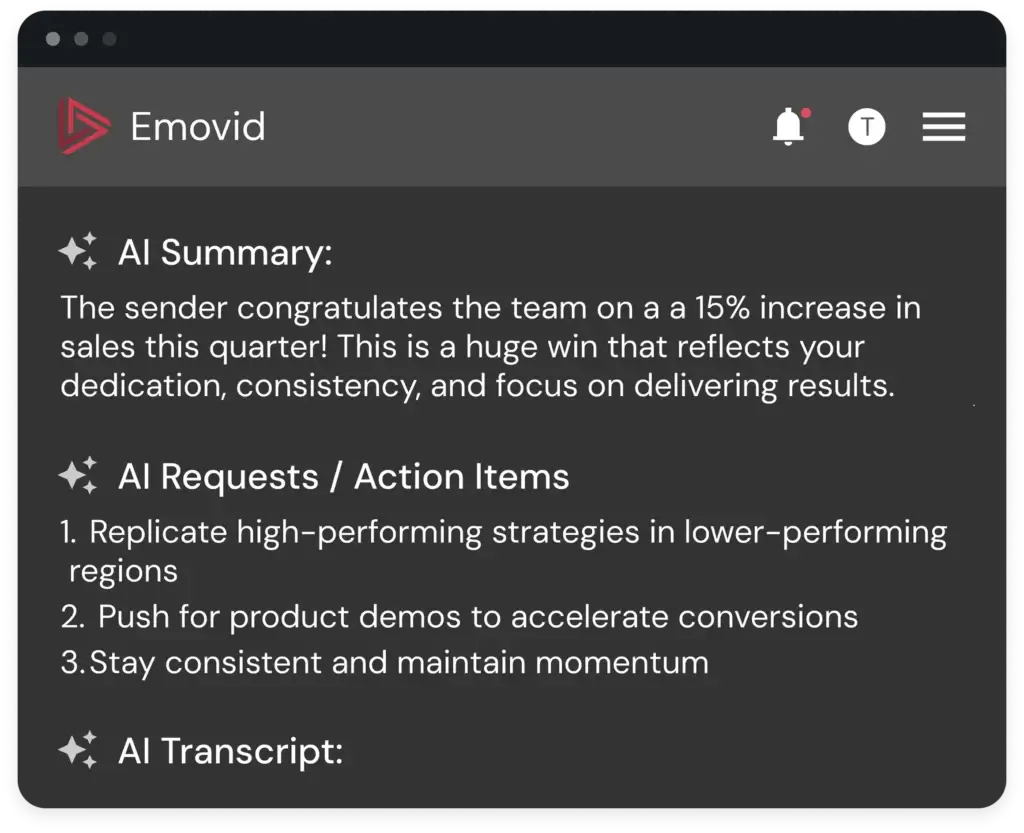
Let AI handle the busywork so you can focus on what matters.
- Auto-generated summaries
- Instant, editable transcripts
- AI-detected action items
- 60+ language translations
- Multi-video AI analysis
Security & Control
Enterprise-grade privacy built in.
- Verified authentic videos
- Encrypted streaming
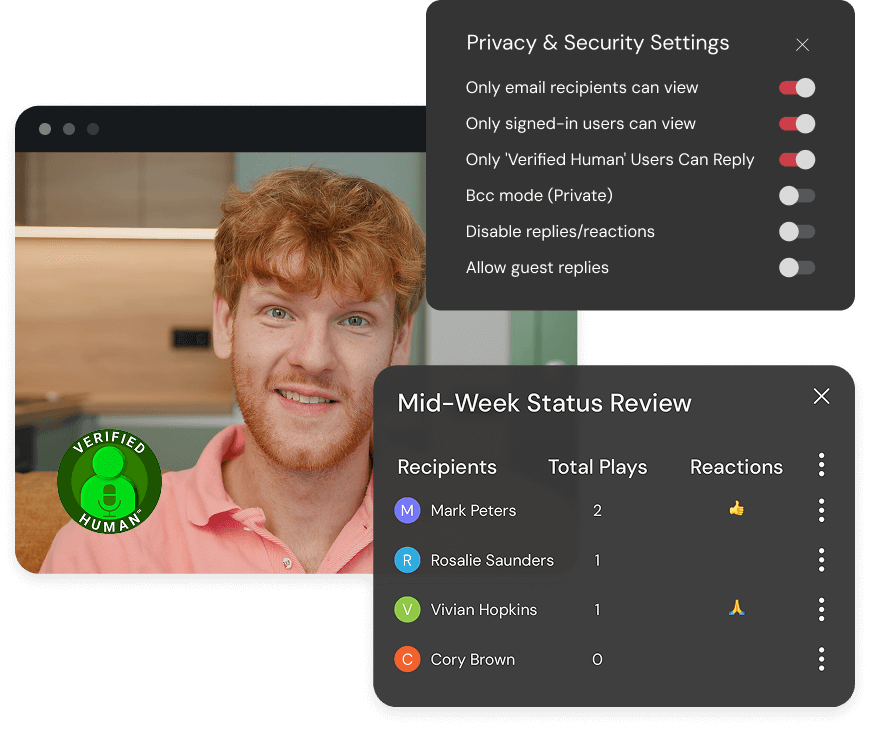
- Private viewing options
- Usage tracking (views, plays, replies)
- SSO & MFA
Seamless Communication & Sharing
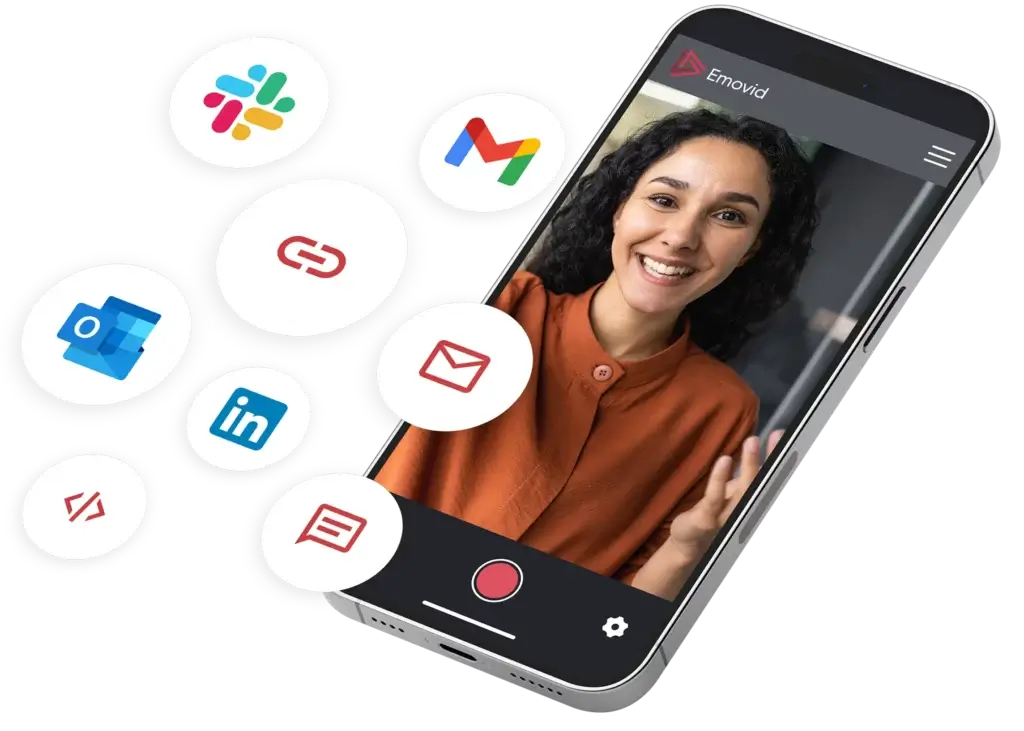
One Emovid replaces meetings, emails, and check-ins.
- Send 1:1 or to groups
- Replies via video or audio
- No app download required, Emovid is browser based
- Share via email, SMS, link, or embed
- Private or reply-all responses
- Private threads with BCC videos
- Get reactions from viewers
Video Merge
Save time by recording your main video once, and personalizing the opening per recipient. With Video merge, you can strengthen client relationships with face-to-face videos that feel human, not automated, even at scale.


Personalize for every client
Human communication at scale that feels personal.

Build Stronger Relations
Build credibility and stronger connections with clients by creating personalized videos.

Save Time
Record once and reach many. Reduce repeat work while delivering consistent, personalized updates.
How Video Merge Works
Send one base video with a personalized introduction for each recipient. You record the main video once and personalize only the opening, saving time while delivering a message that feels direct, human, and relevant.
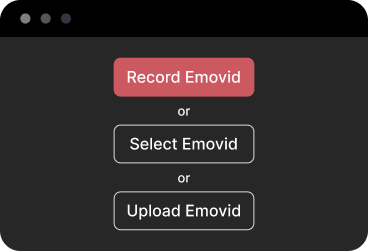

Step 1: Create the common base video
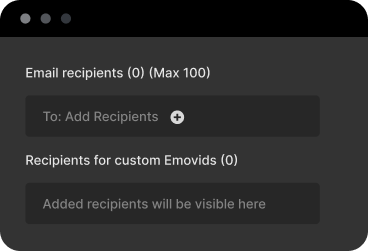

Step 2: Choose recipients
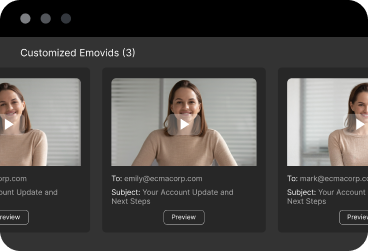

Step 3: Record personalized intro videos
Use Cases for Video Merge
Connect like a human—at the speed of business.

Account management

Sales outreach

Customer success
Share with Anyone, Anywhere
Whether you’re emailing a team, posting in Slack, or embedding in
your wiki—we make it effortless.


SMS

Link

Social

Embed
Where High-Performing Teams
Send Smarter Messages
Emovid fits into your workflow, no matter your role or industry.
- Company Library
- BCC Mode
- Multi-video AI analysis
- Cobranding & Custom DNS domain

Company Library
The Company Library makes it easy to store, manage, and share videos across your organization, so everyone has access to the information they need, exactly when they need it.

Centralize your video knowledge
Stop searching across tools and folders. Store all company-wide Emovids in one shared library that’s easy to access and navigate.

Stay organized at scale
Create folders and subfolders to neatly organize Emovids by department, topic, or initiative, keeping everything clear and easy to find.

Maintain control and consistency
Company Super Admins can review, approve, or reject Emovids before they’re added to the company library.
BCC Mode
Each recipient receives the Emovid(video message) as if it were sent only to them, creating a private, focused viewing and reply experience.
- Save time without sacrificing personalization
Share the same message broadly while maintaining a 1:1 experience for each recipient. - Enable asynchronous communication
Replace meetings and long email chains with concise video updates that recipients can watch and respond to on their own time. - Private delivery
Send one message to many without revealing recipients. - Private replies
Responses stay between you and the individual—no shared threads.
Multi-Video AI Analysis
Analyze multiple videos at once to uncover trends, patterns, and insights across your content.
- Instant summary from multiple videos
Automatically generate summaries, insights and action items across many videos at once—no manual review required. - Stronger follow-through
Clear, AI-generated action points help teams move from discussion to execution. - Saves time for managers and teams
Replace manual review with AI-generated insights, freeing up time for decision-making instead of note-taking.
Cobranding & Custom DNS domain
Allows organizations to apply their visual identity to their Emovids. This ensures viewers immediately recognize who the content is from, creating a consistent and trustworthy experience across every touchpoint.
- Reinforce brand
Deliver videos from your own branded experience, building credibility with every send. - Build trust the moment someone clicks.
Custom Domain allows you to send Emovids through your own email, giving viewers confidence they’re engaging with official, secure company content. - Increase engagement and conversion rates
Familiar branding helps recipients feel confident clicking, watching, and responding. - Look professional at scale
Maintain a polished, consistent presence across sales, marketing, support, and internal communication.
Bonus Features You’ll Love
 BCC Mode
 Multi-Video Analysis
 Android & iOS Mobile Apps
 Custom Thumbnails
 Add Notes & Hyperlinks
 Time Savings Calculator
 Custom Domain Email
 Cobranding
 AI Business Personas
 QR Code Support
Coming soon
 AI Business Personas
 QR Code Support